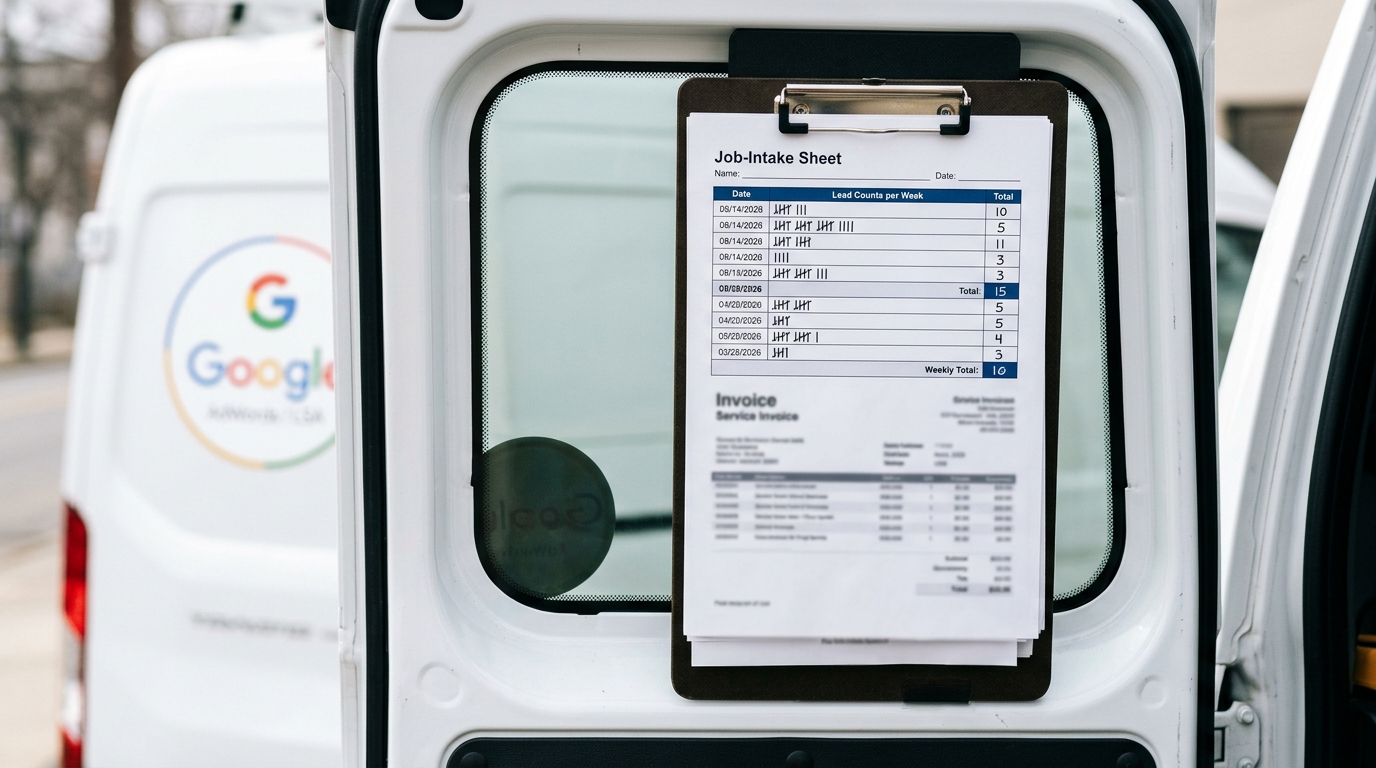
Budgeting for Google Local Services Ads (LSAs) versus traditional Google Ads requires a shift from a pay-per-click (PPC) to a pay-per-lead model. An average LSA lead for a home service business in 2026 costs between $30 and $150, while a qualified lead from Google Ads can range from $75 to over $300, depending on competition and campaign efficiency.
Understanding the Core Difference: Pay-Per-Lead vs. Pay-Per-Click
The fundamental distinction between Google LSAs and traditional Google Ads (Search campaigns) lies in the payment model. This difference directly impacts budgeting, risk assessment, and performance measurement for home service contractors, from plumbers and electricians to roofers and HVAC technicians.
Google Local Services Ads (LSAs) operate on a pay-per-lead basis. You are only charged when a prospective customer initiates direct contact through the LSA unit via a phone call or a message request. You do not pay for impressions (how many times your ad is shown) or clicks that lead to your LSA profile. This model offers a high degree of budget predictability and directly ties ad spend to tangible lead generation activity. If your phone doesn't ring from the ad, you don't pay.
Traditional Google Ads (PPC) operate on a pay-per-click model. You are charged every time a user clicks on your ad, regardless of what they do afterward. The user could click, browse your landing page for two seconds, and leave without contacting you; you still pay for that click. This model requires a more complex funnel analysis to understand the true cost per lead, as you must factor in website conversion rates.
For a home service business, the LSA model significantly de-risks advertising spend. It aligns the cost directly with the desired outcome: a conversation with a potential customer. In contrast, PPC requires investment in both ad clicks and a high-converting website to be effective, adding more variables to the cost-per-lead equation.
Cost-Per-Lead Analysis: LSA vs. Google Ads in 2026
To budget effectively, you must understand the expected cost per lead from each platform. While market conditions fluctuate, 2026 data shows a clear cost advantage for LSAs in most home service verticals, provided the business qualifies for the Google Guaranteed or Google Screened badge.
Let's break down the costs with a hypothetical HVAC company in a mid-sized metropolitan area like Denver, Colorado.
- LSA Cost-Per-Lead: Lead costs are set by Google and vary by service and market. For an "HVAC repair" lead in Denver, the cost might be $45 per phone call. For an "AC installation" lead, it could be $110. The costs are fixed per lead type. The HVAC company sets a weekly budget (e.g., $500), and Google serves ads until that budget is met with valid leads.
- Google Ads Cost-Per-Lead: This requires calculation. The average cost-per-click (CPC) for a competitive term like "ac repair near me" in Denver could be $35. If the company's landing page converts clicks into leads (form fills or calls) at a rate of 15%, the cost-per-lead calculation is: Cost-Per-Click / Conversion Rate = Cost-Per-Lead. In this case, $35 / 0.15 = ~$233 per lead.
Even with an exceptionally well-optimized website converting at 20%, the Google Ads lead would cost $175 ($35 / 0.20), still significantly higher than the $45 LSA lead for the same service.
Comparative Cost Breakdown for Home Services
This table illustrates typical cost-per-lead ranges for popular home service verticals on both platforms in 2026. Note that Google Ads costs have a wider range due to the many factors influencing campaign performance (ad quality, bidding strategy, landing page experience).
| Home Service Vertical | Typical Google LSA Lead Cost (2026) | Typical Google Ads Lead Cost (2026) | Notes |
|---|---|---|---|
| Plumbing | $30–$85 | $90–$250 | Emergency services like "burst pipe repair" command higher costs on both platforms. |
| HVAC | $40–$115 | $100–$300+ | Installation leads are more expensive than repair/maintenance leads. |
| Electrician | $35–$90 | $85–$220 | Commercial electrical work often has a higher CPC, increasing the PPC lead cost. |
| Roofing | $80–$150+ | $150–$400+ | This is one of the most competitive and expensive PPC categories for home services. |
| Garage Door Repair | $25–$60 | $60–$150 | A high-volume, lower-cost-per-lead category ideal for the LSA model. |
Factors That Influence LSA Ranking and Lead Volume
Unlike Google Ads, where your bid is a primary factor, LSA ranking is determined by an algorithm focused on trust and responsiveness. Budgeting for LSAs is not about outbidding competitors but about maximizing your profile's eligibility to receive leads within your budget. Key ranking factors include:
- Proximity to the Searcher: The physical distance between your business address (or defined service area) and the customer is a paramount ranking signal.
- Review Score and Volume: The number of reviews on your LSA profile and your average star rating (target 4.5 or higher) are critical. Google prioritizes businesses that consistently satisfy customers.
- Responsiveness: How quickly you answer phone calls and respond to message leads is tracked by Google. Consistently missing calls or ignoring messages will lower your rank and reduce your lead flow. The target is to answer over 90% of incoming leads.
- Business Hours: Your ad is more likely to show during your listed business hours. Offering 24/7 service can increase visibility for emergency searches.
- Valid Complaints: If customers file valid complaints against your business through the LSA platform, it will negatively impact your rank. Maintaining the trust associated with the Google Guaranteed badge is essential.
Optimizing for these factors is how you ensure your LSA budget is spent effectively. A high budget with poor responsiveness or a low review score will result in fewer leads than a competitor with a smaller budget but a stellar reputation profile.
Setting Your Initial LSA Budget: A Step-by-Step Guide
For a home service business new to LSAs, establishing the right budget can seem daunting. Follow this strategic approach to find your optimal spend.
Step 1: Determine Your Target Lead Volume
Start with your business goals. How many new jobs does your team need per week to stay busy and profitable? Let's say your HVAC company needs 10 more repair jobs per week. If your average closing rate from qualified leads is 50%, you need 20 leads to hit that goal (10 jobs / 0.50 closing rate).
Step 2: Research Your Market's Cost-Per-Lead
Within the LSA dashboard, Google provides estimated lead costs for different job types in your service area. Research the average cost for your primary services. For our HVAC example, if the average repair lead is $45, your target weekly budget would be:
20 Leads/Week * $45/Lead = $900 per week
This provides a data-driven starting point for your budget. You can set this as your "Max per week" in the LSA budget settings.
Step 3: Use Bidding Modes to Control Spend
The LSA platform offers two primary bidding modes to manage your budget:
- Maximize Leads: This is the default setting. Google will try to get you as many leads as possible within your weekly budget. This is the recommended setting for most businesses focused on growth.
- Max Per Lead: This advanced mode allows you to set a maximum bid you're willing to pay for a lead. If your market's lead cost is $45, you could set your max bid to $50 to be more competitive or $40 to be more conservative. This gives you more granular control but can limit lead volume if your bid is too low. For new advertisers, starting with "Maximize Leads" is the most straightforward approach.
Step 4: Monitor and Dispute Invalid Leads
A crucial part of managing your LSA budget is reviewing your leads and disputing invalid ones. This allows you to reclaim spend and improve the quality of future leads. A lead is typically disputable if:
- It's a wrong number or a sales call.
- The customer is located outside your designated service area.
- The service requested is one you do not offer.
- It's a duplicate lead from the same customer within 30 days.
Routinely disputing these leads within the LSA dashboard credits the cost back to your account, effectively stretching your advertising budget further. Proactive management can recover 5-10% of your monthly spend.
When to Use Google Ads Instead of (or Alongside) LSAs
While LSAs offer a superior cost-per-lead for many core home services, traditional Google Ads retain a critical role in a comprehensive digital marketing strategy.
1. Services Not Covered by LSAs: Google's list of eligible LSA categories is extensive but not exhaustive. If you offer a niche service (e.g., "commercial refrigeration repair" or "historical home window restoration") that isn't an LSA category, Google Ads is your primary channel for reaching searchers.
2. Targeting Commercial or B2B Clients: LSAs are heavily consumer-focused. If your primary audience is property managers, other businesses, or general contractors, the keyword and audience targeting capabilities of Google Ads are far more effective for reaching these decision-makers.
3. Building Your Brand and Retargeting: LSAs are a direct-response tool; they generate immediate leads but do little for brand building. Google Ads, particularly through the Display Network and YouTube, allows you to run brand awareness campaigns and retarget users who have visited your website. This full-funnel approach builds long-term value that LSAs cannot.
4. Absolute Top-of-Page Dominance: A robust strategy involves running both LSAs and traditional Google Ads simultaneously. This allows your business to potentially occupy two of the most valuable spots on the search results page: the LSA 3-pack at the very top and the first traditional ad slot just below it. This level of visibility can box out competitors and significantly increase your overall lead volume.
For most established home service businesses with a growth mindset, the ideal budget allocation is not an "either/or" choice. It's a "both/and" strategy, with a significant portion of the budget dedicated to the high-efficiency LSA platform for core services, and a supplementary budget for Google Ads to capture niche services, target commercial clients, and build brand equity.
Google Local Services Ads FAQs
What is the Google Guaranteed badge and how do I get it?
The Google Guaranteed badge is a mark of trust awarded to home service businesses that pass Google's screening process. This process includes background checks on the business owner and all field employees, as well as license and insurance verification. Once approved, the badge appears on your LSA profile and signifies to customers that Google backs your work with a satisfaction guarantee of up to $2,000.
Can lawyers use Local Services Ads?
Yes, lawyers in specific practice areas can use LSAs. Instead of the "Google Guaranteed" badge, they earn the "Google Screened" badge. Eligible practice areas include personal injury, family law, estate planning, immigration, and bankruptcy, among others. The verification process includes a bar license check and proof of malpractice insurance.
How do you rank higher in Local Service Ads?
Ranking in LSAs is not based on bids. The primary factors are proximity to the searcher, your average review score, the total number of reviews, your responsiveness to incoming leads (answering calls and messages quickly), and being open for business when the user is searching. Consistently delivering excellent service and promptly engaging with leads are the keys to a higher ranking.
What happens if I get a bad lead from an LSA?
If you receive an irrelevant or unqualified lead, you can dispute it directly within the LSA dashboard for a credit. Valid reasons for a dispute include spam calls, a customer seeking a service you don't offer, or a customer located outside your service area. Google reviews these disputes and will credit the cost of the lead back to your account if it meets the criteria.
