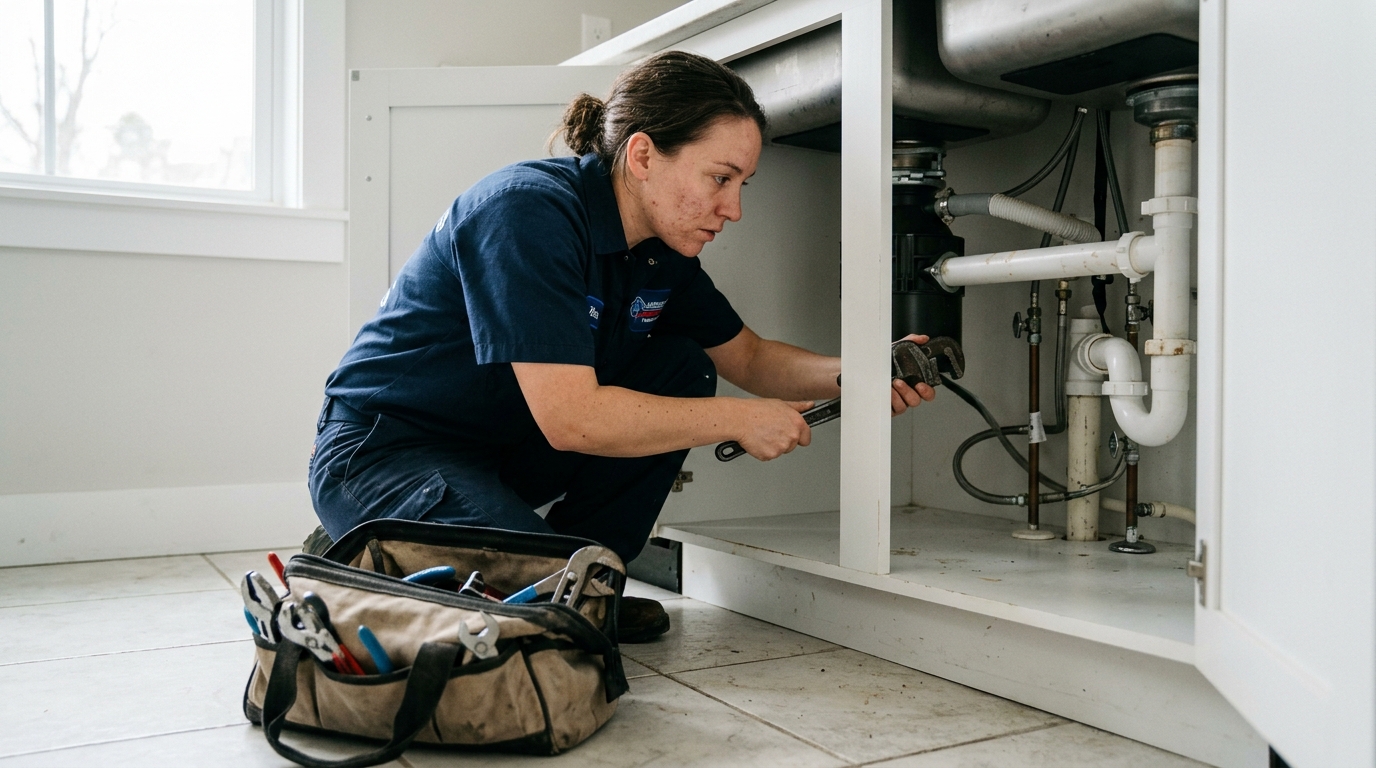
To dominate the Google Map Pack, service-area businesses must fully optimize every section of their Google Business Profile, focusing on service area accuracy, primary category selection, and consistent NAP data.
Why the Map Pack is the New Home Page for Contractors
For contractors, plumbers, HVAC technicians, and other service-area businesses (SABs), the Google Map Pack is not just a listing: it's the primary battlefield for local customers. When a homeowner's air conditioner fails in July or a pipe bursts in January, they aren't casually browsing. They are searching with urgent intent, typing queries like "emergency plumber near me" or "hvac repair springfield." The three businesses that appear in the coveted Map Pack receive, on average, over 70% of the clicks from that search results page. If you are not in those top three spots, you are effectively invisible to the majority of ready-to-buy local customers.
Unlike organic search results which can take months to influence, a highly-optimized Google Business Profile (GBP) can yield results in weeks. It's the most direct path to high-intent local leads. Google's algorithm for the Map Pack prioritizes three core factors: relevance, distance, and prominence. While you can't change your physical distance from a searcher, you have absolute control over your relevance and prominence. This checklist is your strategic guide to maximizing both, transforming your GBP from a simple listing into a powerful lead-generation engine for your trade business.
The Complete GBP Optimization Checklist for Service-Area Businesses in 2026
Follow this comprehensive checklist to ensure every component of your profile is working to attract and convert local customers.
1. Foundational Setup: Nailing the Basics
These core elements form the bedrock of your local SEO presence. Errors here will undermine all other optimization efforts.
- Business Name: Use your exact, legally registered business name. Do not add keywords or city names (e.g., "Five Star Plumbing," not "Five Star Plumbing & HVAC Repair Chicago"). Google's 2025 algorithm updates have become even more stringent in penalizing keyword-stuffed names, leading to suspensions.
- Primary Category: This is the most critical field for relevance. Be specific. Choose "Plumber," not "Home Services." Choose "HVAC Contractor," not "Contractor." Your primary category dictates which searches you are eligible to appear for.
- Service Areas: For SABs, this is paramount. Do not simply list your state. Add up to 20 specific service locations, including cities, suburbs, and even specific postal codes where you do the most business. Accuracy here is key for ranking in searches originating from those areas. Listing your main city and then the 19 most profitable surrounding towns is a proven strategy.
- Address: If you are a true SAB without a physical storefront customers can visit (like most home service contractors), you must hide your physical address during the GBP setup process. Displaying a residential address violates Google's terms of service and can lead to a suspension. Hiding the address tells Google you serve customers at their location.
- NAP Consistency (Name, Address, Phone): Your business name, address (or lack thereof if hidden), and phone number must be 100% identical across your website, GBP, and all other online directories (Yelp, Angi, etc.). Even minor variations like "St." vs. "Street" can confuse Google and dilute your local authority.
2. The "More Info" Section: Maximizing Relevance
This is where you tell Google and potential customers exactly what you do. Leaving these fields blank is a major missed opportunity.
- Secondary Categories: Add all relevant secondary categories. A plumber who also does drain cleaning and water heater installation should add "Drain Cleaning Service" and "Water Heater Installation & Repair Service" as secondary categories. A 2025 SEMrush study confirmed that profiles with 3–5 relevant categories rank for a wider variety of local search terms.
- Services Menu: Use this feature to list every single service you offer. Don't just list "Plumbing." Break it down into "Leak Detection," "Faucet Repair," "Toilet Installation," "Sump Pump Services," etc. For each service, write a detailed description (up to 1,000 characters) that includes relevant keywords. This provides Google's algorithm with powerful relevance signals. For example, a detailed description for "Furnace Repair" should mention terms like "pilot light," "heat exchanger," "thermostat issues," and "emergency furnace service."
- Products: Even if you're a service business, use the Products section. You can "productize" your services. An HVAC company can create products for "Annual HVAC Maintenance Plan," "New AC Unit Installation (Trane XV20i)," or "Duct Cleaning Service." Add high-quality photos, a price or price range, and a detailed description for each. This gives you more visual real estate in the search results.
- Attributes: Select all applicable attributes. These are quick tags that tell customers key information. Important attributes for contractors include "24-hour service," "Emergency services," "Free estimates," and identity-led attributes like "Veteran-led" or "Woman-owned." Attributes often appear as filters in local searches, so being tagged correctly is crucial.
- Business Description: Write a compelling, 750-character description of your business. Use the first 250 characters to state who you are, what you do, and where you do it, as this is what's often shown before the "read more" cut-off. Weave in your primary keywords and city names naturally.
3. Visuals and Engagement: Building Prominence and Trust
A bare profile is a dead profile. Consistent activity signals to Google that your business is active and prominent.
- Photos and Videos: Aim for a minimum of 30 high-quality photos. Customers want to see your team, your branded trucks, your work in progress (before and after shots are gold), and you at a job site. Geotag your photos with location data before uploading. Add at least one new photo per week. Short videos (under 30 seconds) of you explaining a common issue or finishing a job perform exceptionally well and increase time spent on your profile.
- Google Posts: This is your free advertising space on Google. Publish at least one Google Post per week. Use all three types: "Offers" for special promotions, "What's New" for project highlights or company news, and "Events" for things like home shows. Always include a high-quality image, a clear call-to-action (like "Call for a Free Estimate"), and a link back to the relevant page on your website.
- Reviews and Responses: Reviews are the single most important factor for local conversions. Aim for a steady stream of new 4- and 5-star reviews. Use software or a simple email/text follow-up system to request reviews after every completed job. Crucially, respond to every single review- positive and negative - within 24 hours. A thoughtful response to a negative review can win over more customers than ten positive reviews.
- Q&A Feature: Proactively populate the Questions & Answers section. If you don't, potential customers will, and their questions might go unanswered or be answered incorrectly by a random user. Seed your own Q&A with common questions like "Do you offer emergency plumbing services?" or "What areas do you serve?" and provide detailed, keyword-rich answers yourself. This builds authority and preemptively answers customer questions.
SAB vs. Brick-and-Mortar: Key GBP Differences
Optimizing for a service-area business is fundamentally different from optimizing for a restaurant or retail store. Understanding these distinctions is critical to avoiding costly mistakes.
| Feature | Service-Area Business (e.g., HVAC Contractor) | Brick-and-Mortar (e.g., Dental Office) |
|---|---|---|
| Address Display | Address must be hidden to avoid suspension and signal to Google you travel to the customer. | Address must be displayed as the primary location for customer visits. |
| Primary Ranking Factor | Proximity of the searcher's location to your defined service area boundaries. | Proximity of the searcher's location to your physical address. |
| Use of "Service Areas" | Critically important. The 20 listed locations define your ranking territory. | Less important. Primarily serves customers near the physical location. |
| Photos & Videos | Focus on "in the field" content: team on job sites, branded vehicles, before/after project shots. | Focus on interior/exterior shots of the location, staff photos, and customer experience inside the store. |
| Local Justifications | Justifications often pull from service descriptions and reviews mentioning specific towns within your service area. | Justifications often pull from website mentions of the address and reviews mentioning the location itself. |
Advanced Tactics: Local Services Ads and Website Integration
Once your GBP is fully optimized, you can amplify its impact by integrating it with other powerful tools.
Integrating Google Local Services Ads (LSAs)
Local Services Ads, or LSAs, are the pay-per-lead ads that appear at the very top of the search results, even above the Map Pack. They feature a "Google Guaranteed" or "Google Screened" badge, which provides an immense trust signal to consumers. For trades like plumbing, HVAC, electrical, and roofing, being Google Guaranteed is non-negotiable in 2026.
The performance of your LSA is directly tied to the health of your Google Business Profile. Google uses your GBP review score and responsiveness to determine your LSA ranking. A business with a 4.9-star rating and 150 reviews on its GBP will consistently outrank a competitor with a 4.2-star rating and 30 reviews in the LSA section, even if they bid the same amount. Your GBP optimization is, therefore, a direct investment in a lower cost-per-lead from your paid advertising.
Connecting Your Website and GBP for Maximum Authority
Your website and your GBP should not exist in silos. They must work together to create a cohesive local authority signal for Google.
- NAP Alignment: The Name, Address (if applicable), and Phone number in your website's footer and on your contact page must match your GBP information exactly.
- Schema Markup: Implement LocalBusiness schema markup on your website. This is a piece of code that explicitly tells Google you are a "Plumber" who serves "Springfield, Anytown, and Shelbyville," reinforcing the information in your GBP.
- Service Area Pages: Create dedicated pages on your website for your top 3–5 service cities. A page titled "Furnace Repair in Springfield" that features unique content about your services in that specific city sends a powerful geographic relevance signal that supports your GBP's claim to that area.
- Embed Your GBP Map: Embed the Google Map from your GBP listing onto your website's contact or service area page. This creates a direct, tangible link between your two most important digital assets. A conversion-focused website from a provider like WorkspaceCMS will have this integration built-in as a foundational element.
By treating your GBP not as a standalone profile but as the hub of your local digital presence, you create a feedback loop. Your optimized website reinforces your GBP's authority, and your high-performing GBP drives qualified traffic to your website, resulting in more calls, more leads, and more jobs booked.
Google Business Profile Optimization FAQ
What is the most common mistake contractors make with their GBP?
The most common and damaging mistake is listing a home address and not hiding it. This violates Google's guidelines for service-area businesses and is a primary trigger for profile suspension. The second most common mistake is choosing a generic primary category like "Contractor" instead of a specific one like "Roofer" or "Electrician."
How often should I post on my Google Business Profile?
You should aim for a minimum level of weekly activity. This includes publishing at least one Google Post per week, uploading 1-2 new photos per week, and responding to all new reviews within 24 hours. Consistency is more important than volume.
Can I rank in a city where I don't have a physical address?
Yes, absolutely. This is the entire purpose of the service-area business model on Google. By setting your service areas correctly and creating location-specific content on your website and in your GBP Posts (e.g., "Just finished a great roof replacement in Anytown!"), you can and will rank in the Map Pack for searches originating in those cities.
Does responding to reviews actually help my ranking?
Yes, directly and indirectly. Google has officially stated that responding to reviews improves your local SEO. It shows the algorithm that you are an active, engaged business. Indirectly, seeing a business owner respond thoughtfully to reviews builds immense trust with potential customers, leading to higher conversion rates from your profile views.
